The Problem
Muslims lacked a single trusted digital space that combined Quran reading, contextual AI answers, prayer tracking, and emotional support — all without compromising theological accuracy.
A full-featured Islamic super-app for iOS & Android: AI-powered Q&A from Quran & Hadith, real-time prayer times, daily streaks, offline reading, panic button Dua, and RevenueCat subscriptions — shipped from scratch as the sole React Native engineer.
Muslims lacked a single trusted digital space that combined Quran reading, contextual AI answers, prayer tracking, and emotional support — all without compromising theological accuracy.
I was responsible for 100% of the React Native implementation: architecture, component system, navigation, state management, native integrations (location, notifications, audio), RevenueCat billing, offline SQLite persistence, and streaming AI response rendering.
P — Problem
Existing Quran apps are either read-only digital copies or generic chatbots with no grounding in Islamic scripture. There was no product that combined authoritative Quran/Hadith access with contextual AI answers, daily habit building, and emotional support tools — all in one polished mobile experience.
The client's vision: a spiritually intelligent companion that helps Muslims strengthen their daily practice and find immediate Quranic guidance when they need it most. The challenge wasn't just building features — it was doing so in a way that the Muslim community would trust.
S — Situation
No junior support. Every screen, component, animation, native integration, and performance concern was mine to solve.
The AI backend uses OpenAI + Quran translation context, and I had to render Quranic reference citations on every response so users could verify answers independently.
iOS and Android simultaneously via Expo, with native modules for location, audio, and push notifications — each with platform-specific edge cases.
Target users in regions with poor connectivity meant the full Quran dataset had to be persisted locally and accessible without network.
App Store and Play Store have strict rules around in-app purchases. RevenueCat abstracted the billing logic, but receipt validation and paywall UX had to be airtight.
T — Thinking
Every architectural decision was a deliberate trade-off. Here is how I thought through the five most consequential choices.
Rationale
I structured components following atomic design principles from day one. With a Figma design system delivered upfront and an aggressive MVP timeline, this gave me a shared vocabulary with the designer and prevented the component sprawl that kills React Native projects. Every screen is composed of smaller, tested, predictable units — not monolithic screen files.
Trade-off
Upfront investment in folder structure, but paid dividends with every new screen added.
Rationale
The app has multiple independent slices of state: quran progress, prayer times, streaks, subscription status, AI conversation history. Redux would have been overkill and verbose. Context API would cause unnecessary re-renders across unrelated trees. Zustand gave me minimal boilerplate, excellent TypeScript support, and fine-grained subscriptions — exactly what a performance-sensitive mobile app needs.
Trade-off
Less ecosystem tooling than Redux, but team size (just me) made that irrelevant.
Rationale
For the AI Q&A feature, I consumed the backend's streaming API and rendered tokens in real-time to the UI. This was a deliberate UX decision: streaming eliminates the perception of latency for long AI answers, which is critical when users are emotionally engaged (e.g., using the panic button feature). I built a custom hook to handle SSE stream parsing and progressive state updates.
Trade-off
More complex streaming state management, but dramatically better perceived performance and user trust.
Rationale
The full Quran dataset (with translations) is too large for AsyncStorage or MMKV. expo-sqlite gave me a structured, queryable local database that works offline. On first launch, I download and persist the data — subsequent launches read from SQLite, with network checks gating re-sync.
Trade-off
Longer first-launch time vs instant subsequent access. Mitigated with a smooth onboarding progress indicator.
Rationale
Prayer time calculation is a well-defined mathematical problem based on solar position and location coordinates. Using the `adhan` library meant instant, offline-capable prayer times with zero API dependency. The device location (expo-location) feeds the calculation — no round-trip required.
Trade-off
No server-side tracking of prayer data, but perfect reliability and zero cost.
A — Action
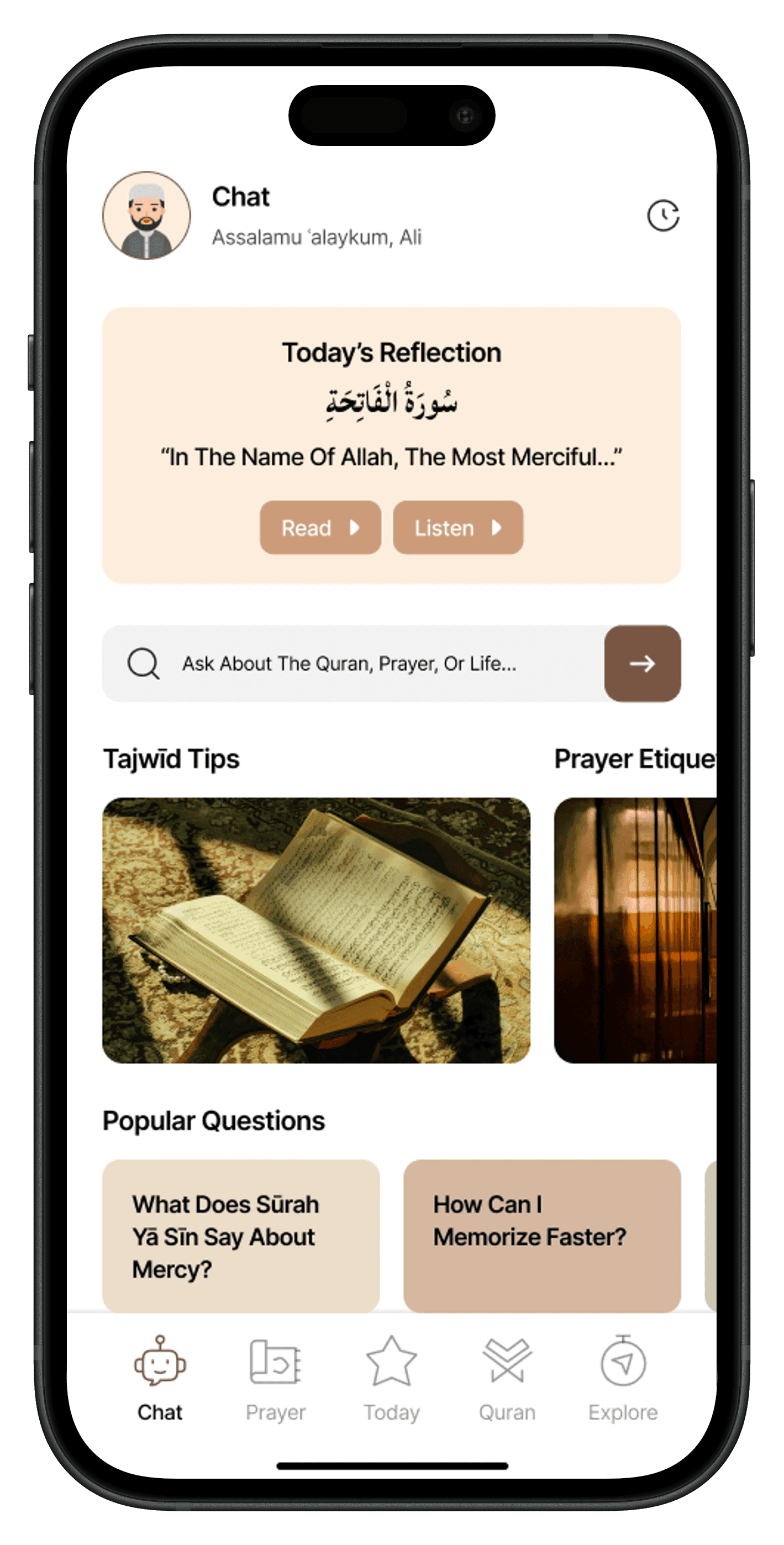
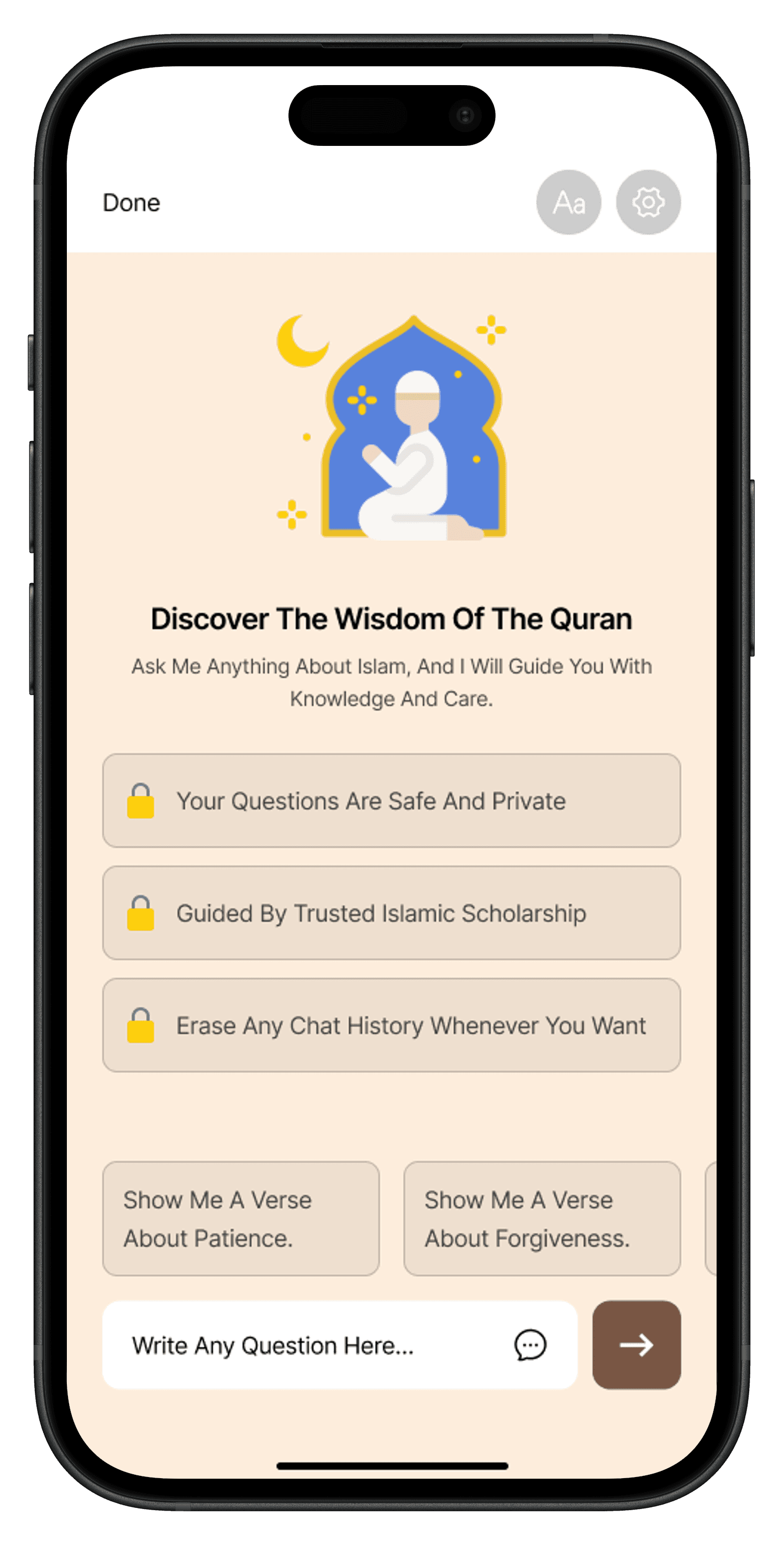
Streaming chat interface that sends user questions to a RAG-powered backend (OpenAI + Quran corpus). Every AI response renders embedded Quranic verse references — displayed as tappable citations so users can verify answers directly in the reader.
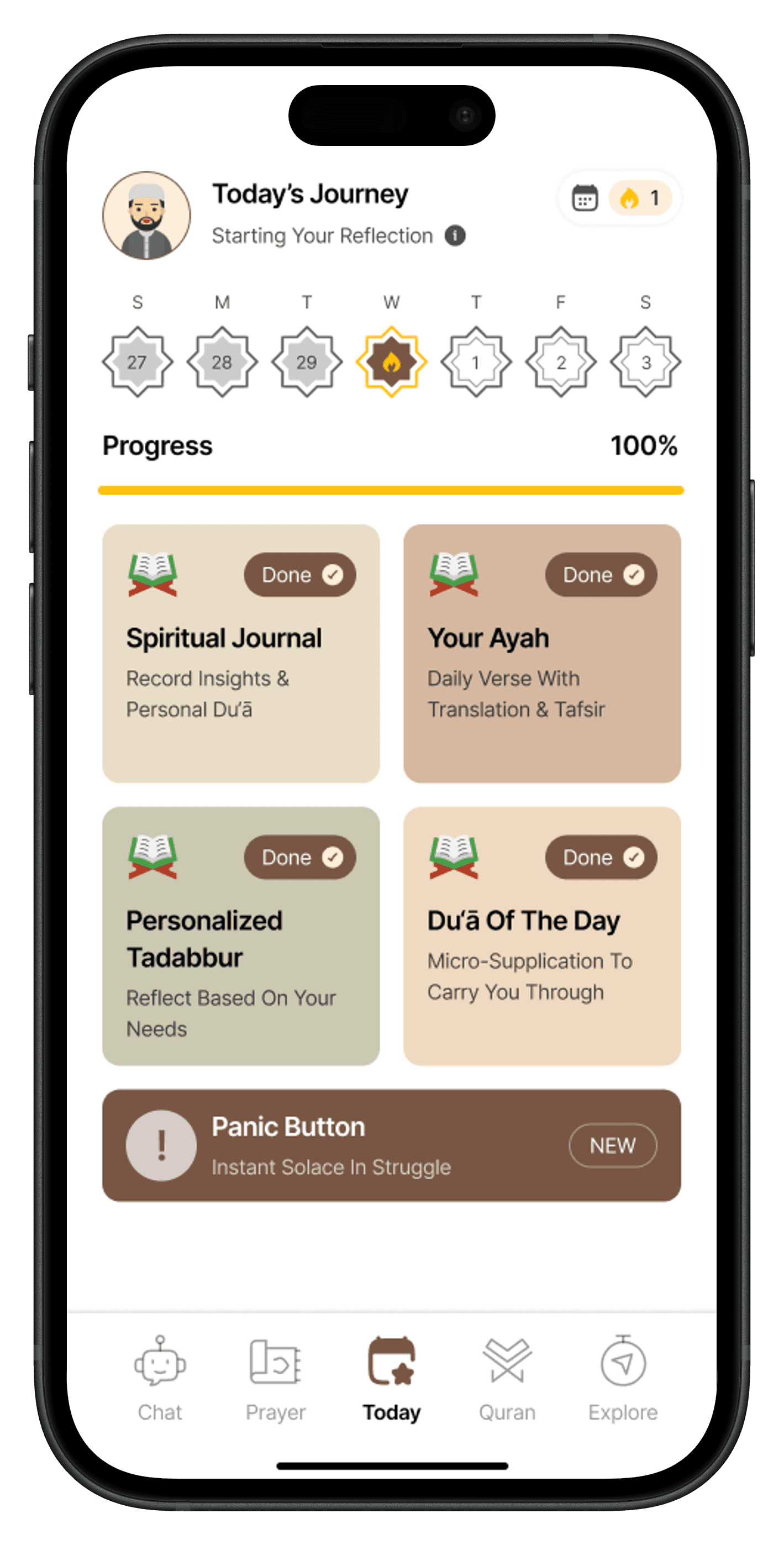
A dedicated emotional-support entry point: user describes their feelings in free text, the AI agent returns a personalized Dua, Quranic reassurance, and relevant Hadith — designed to create an immediate connection with Allah in moments of distress. One of the app's most loved features.
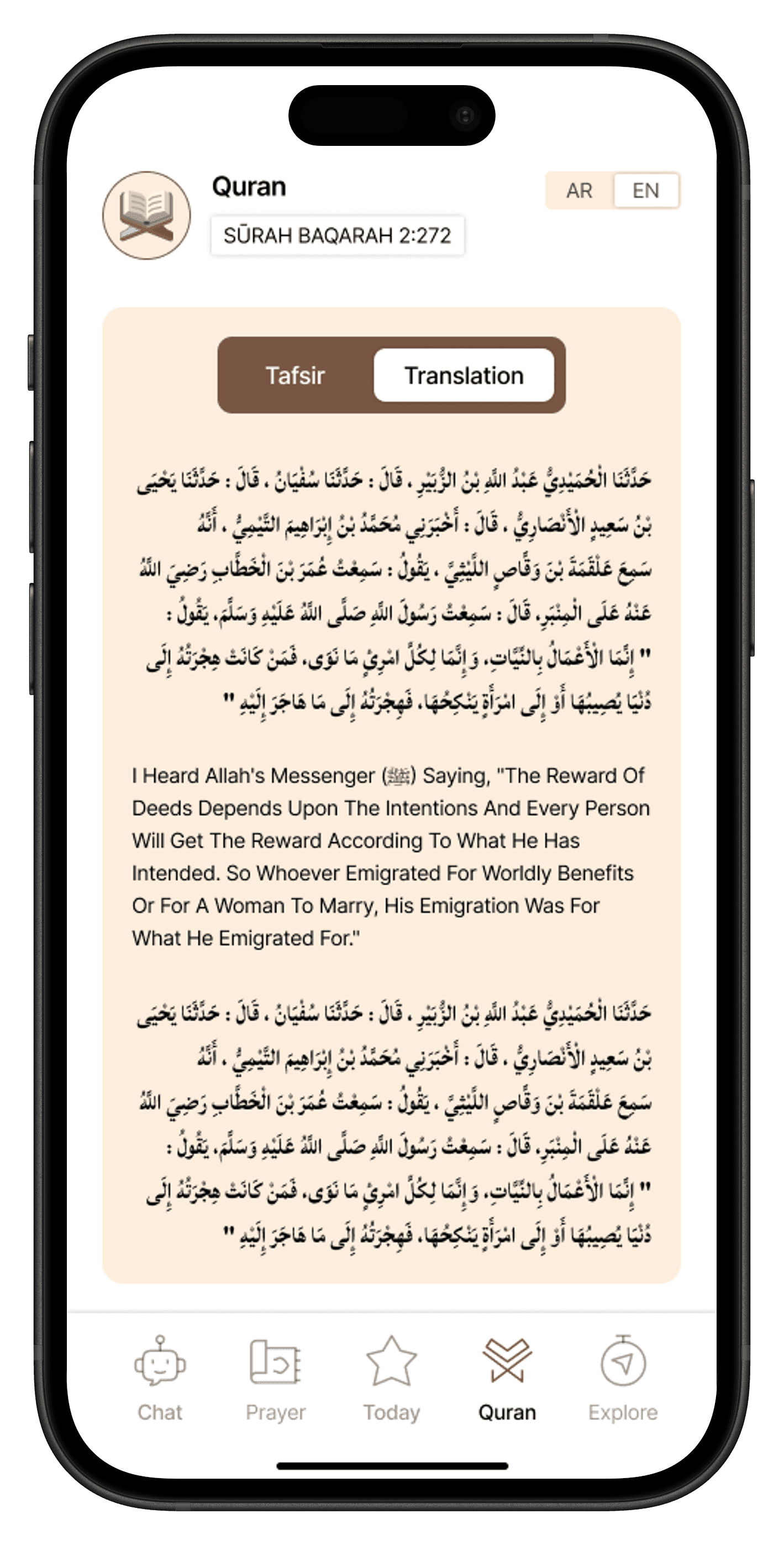
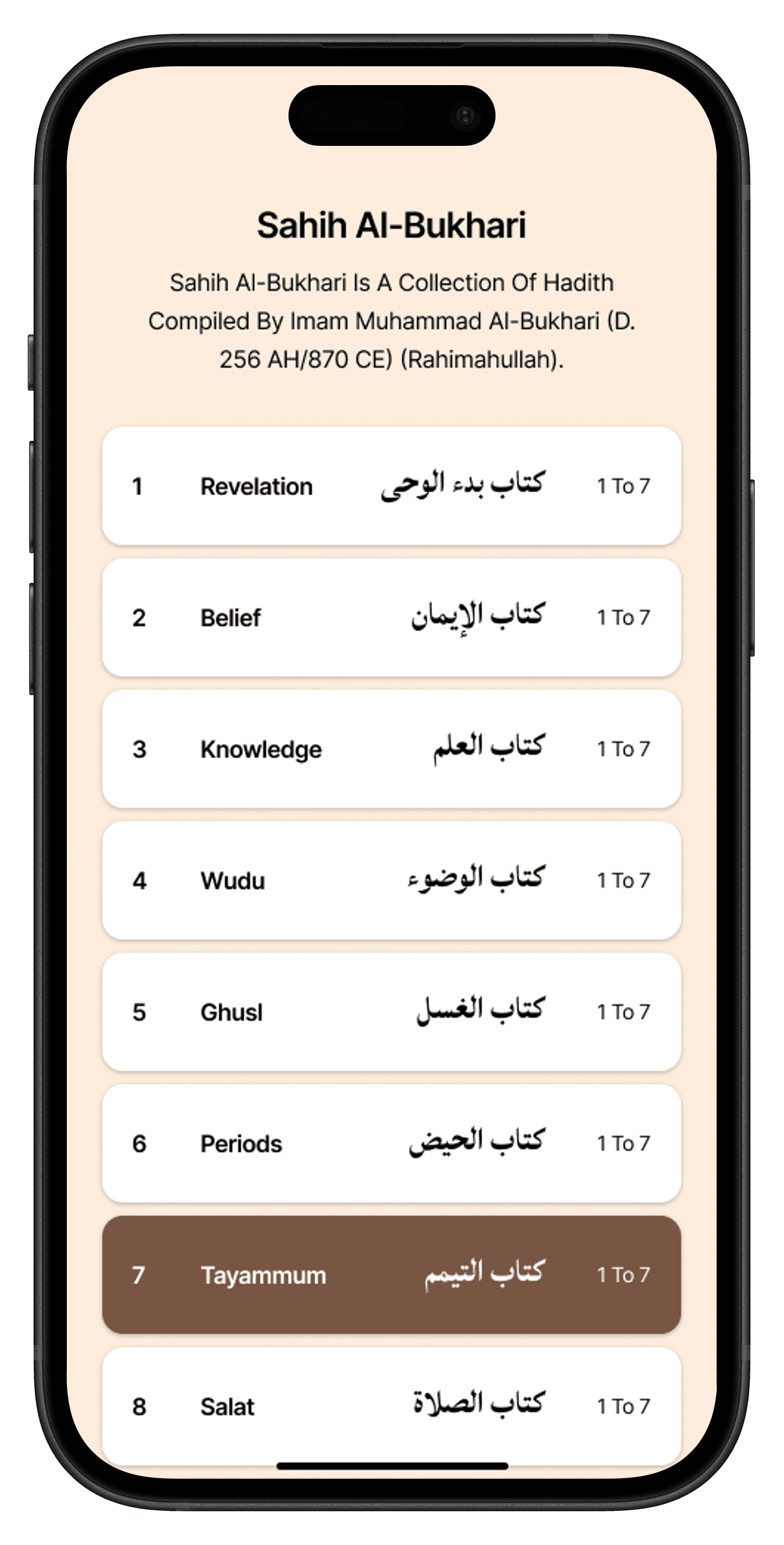
Full Quran with Arabic text (Lateef font), translation overlay, and verse-level audio via expo-av. Offline reading is fully supported via SQLite — users can read without internet.
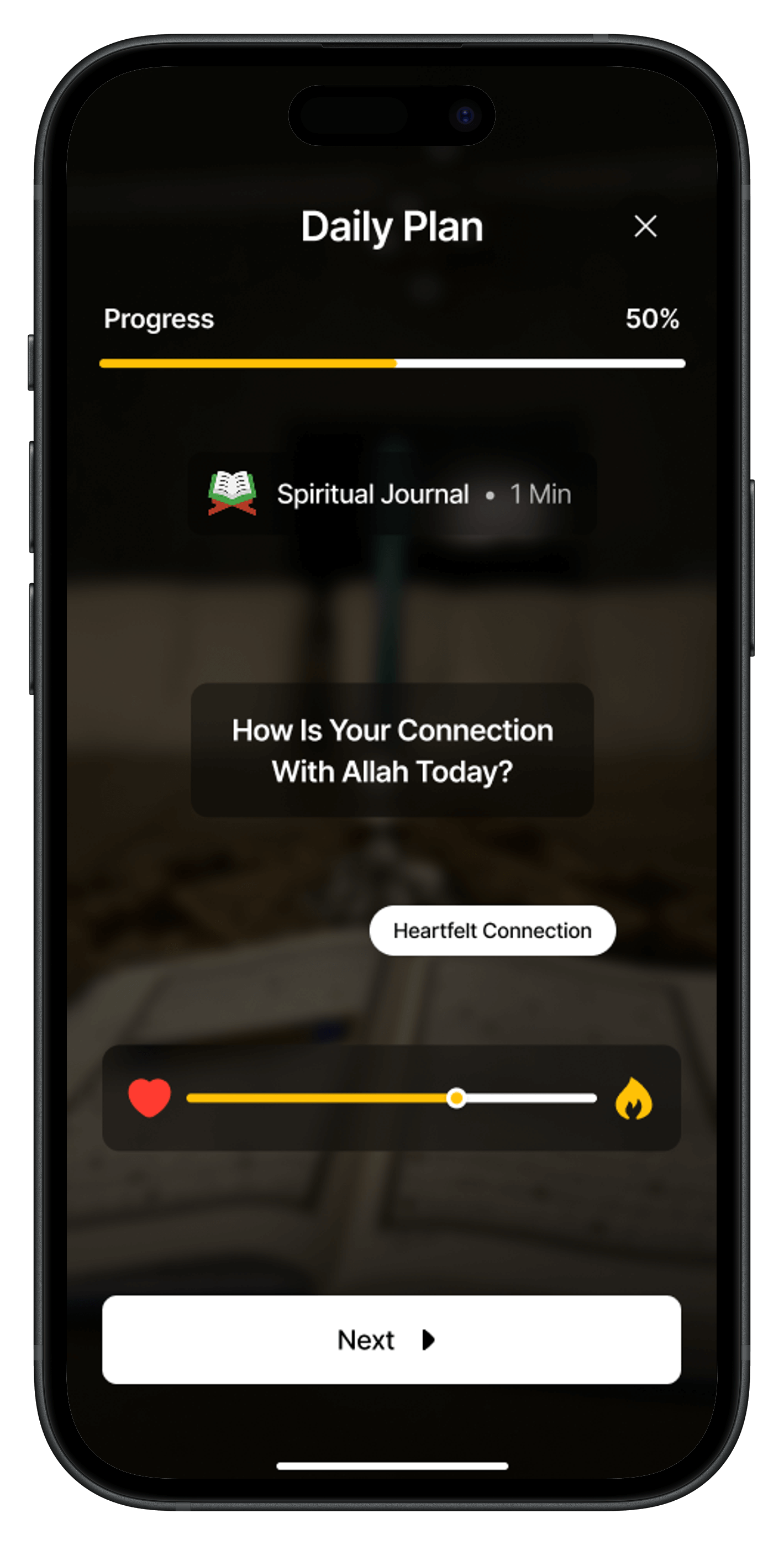
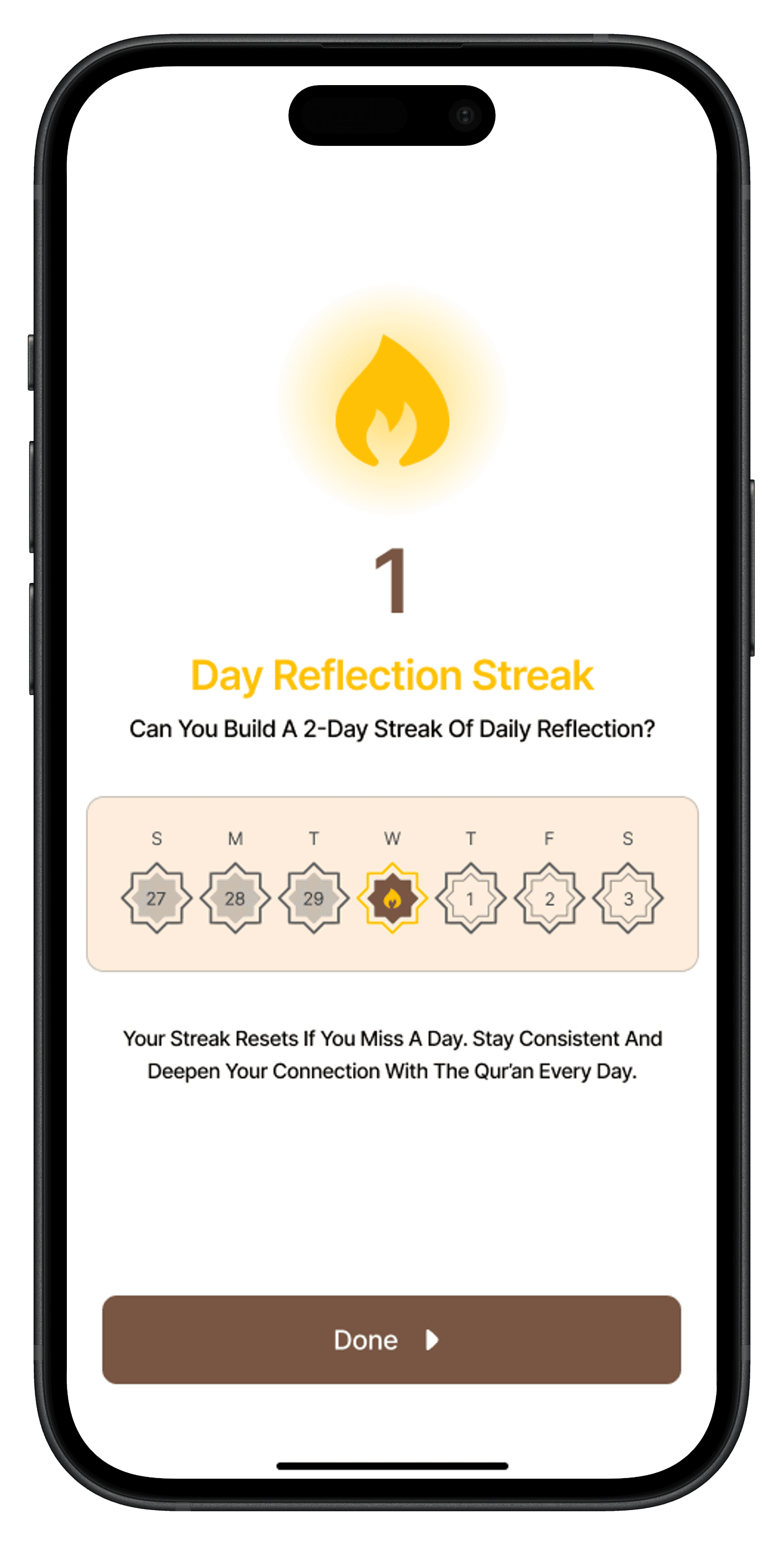
A four-step daily task loop (read, listen, reflect, track prayer) that must be completed in full before a streak day is counted. Built to resist habit-gaming: partial completion does not count.
Live prayer countdowns using adhan + device GPS. Updates automatically with location changes. Users can log completed prayers and view weekly adherence.
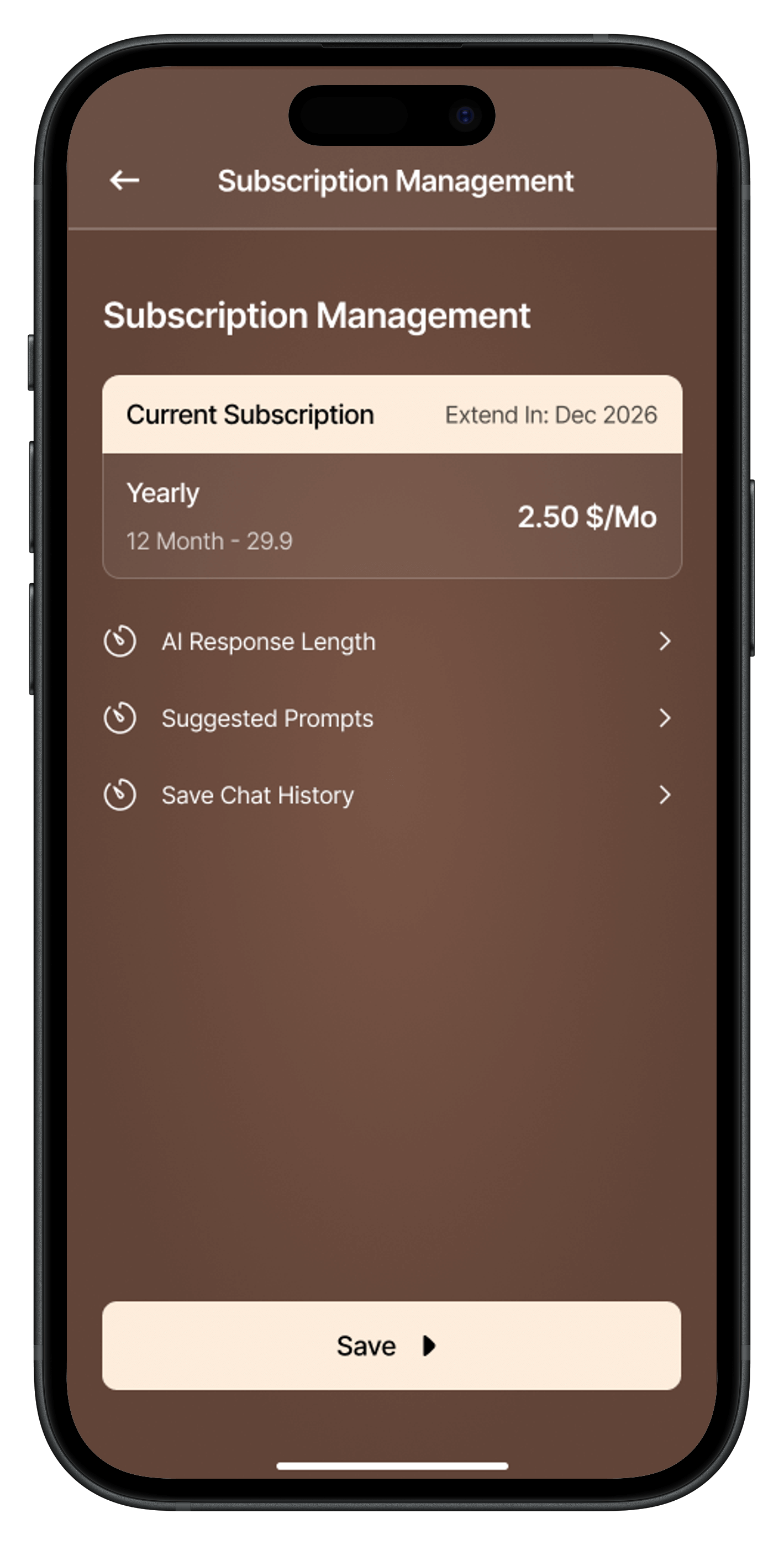
Yearly subscription with a 7-day free trial. Implemented full RevenueCat SDK integration: entitlement checks, paywall rendering, receipt validation, and graceful free-tier fallback.
Scheduled local notifications via expo-notifications remind users to complete daily tasks. Users can configure preferred reminder times.
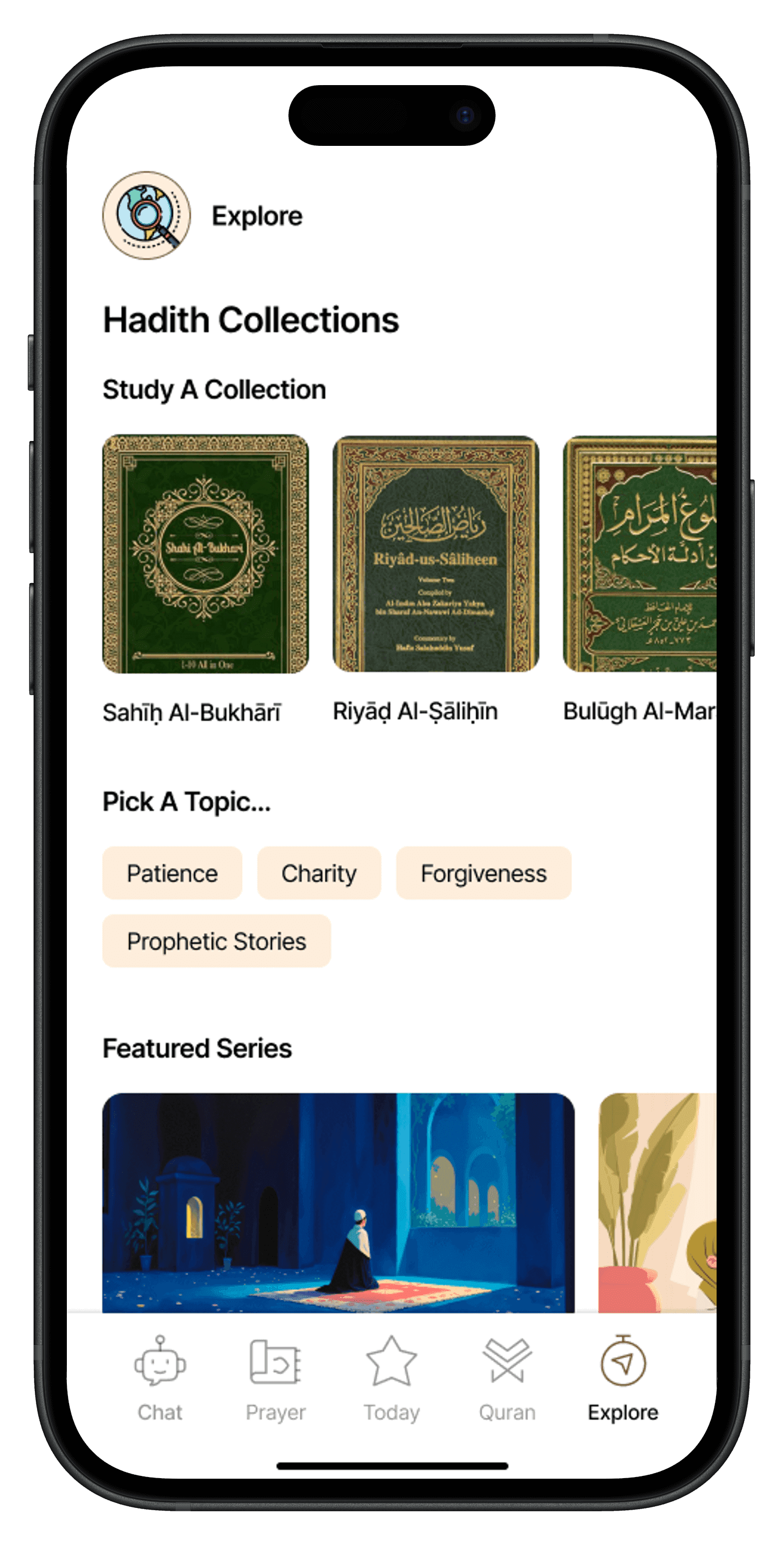
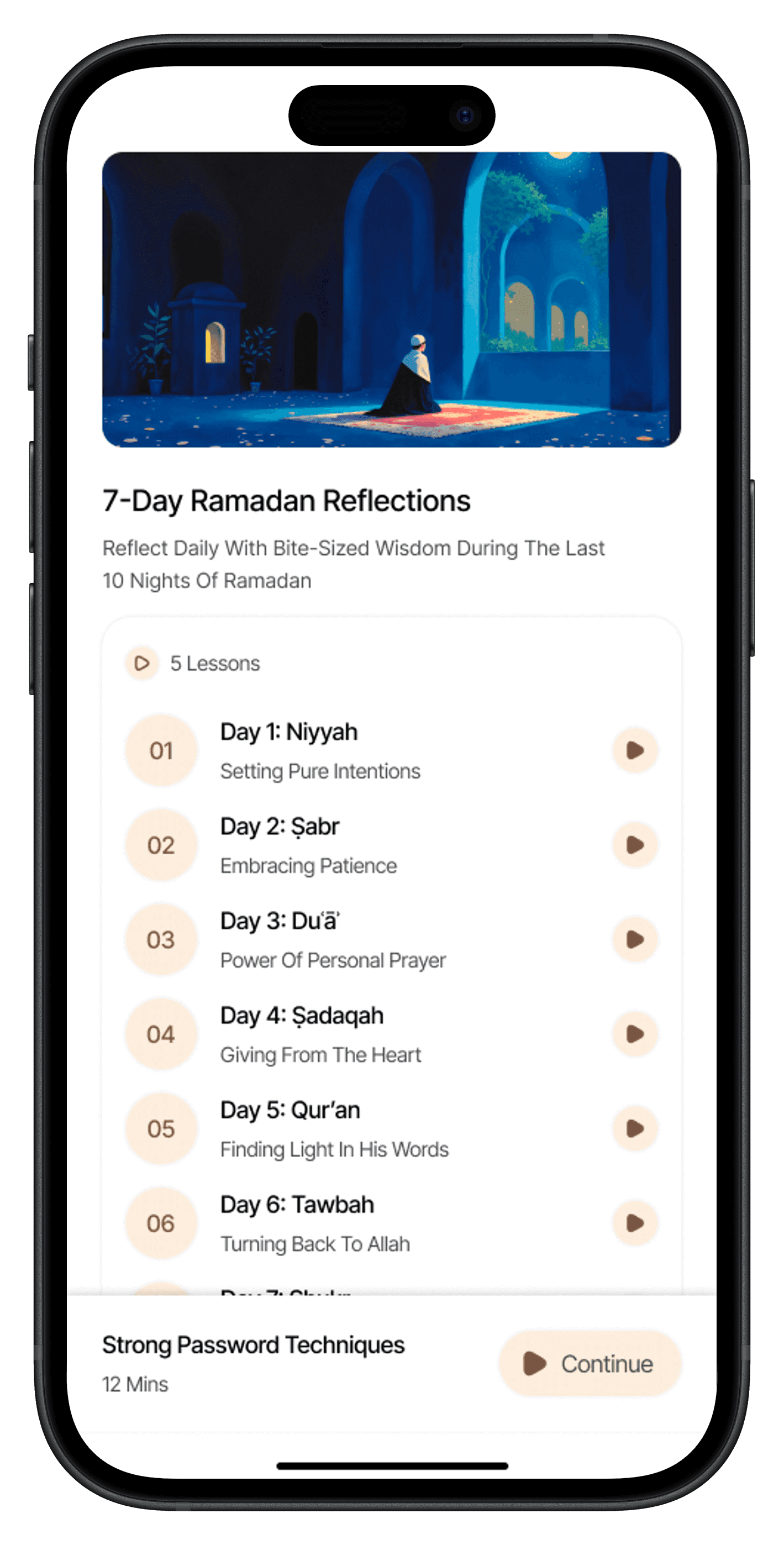
Curated multi-day reading programs managed from the admin dashboard. Content is fetched and rendered in a clean, scrollable series format.
Core
State
Data & Offline
Backend
Monetisation
Islamic Tools
Media
Native
Navigation
Animation
Performance
Typography
R — Results
Sole React Native engineer — owned architecture to App Store submission
Streaming AI response UX eliminated perceived latency on all AI features
Atomic component system enabled the team to add new screens in hours, not days
RevenueCat integration passed App Store and Play Store review first time
Panic button feature identified as highest-impact differentiator by the client
SQLite offline persistence made the app viable in low-connectivity markets
Visual
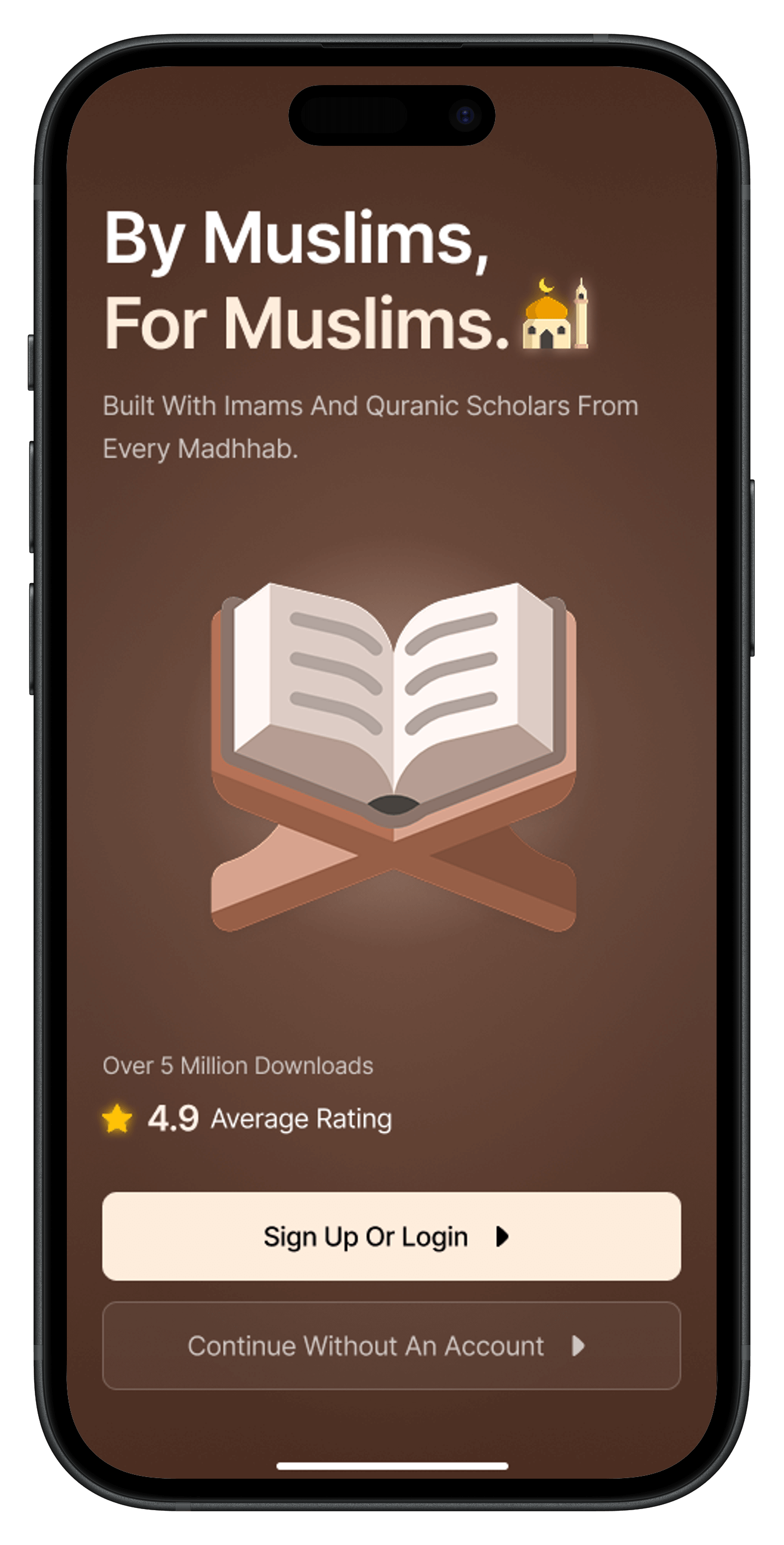
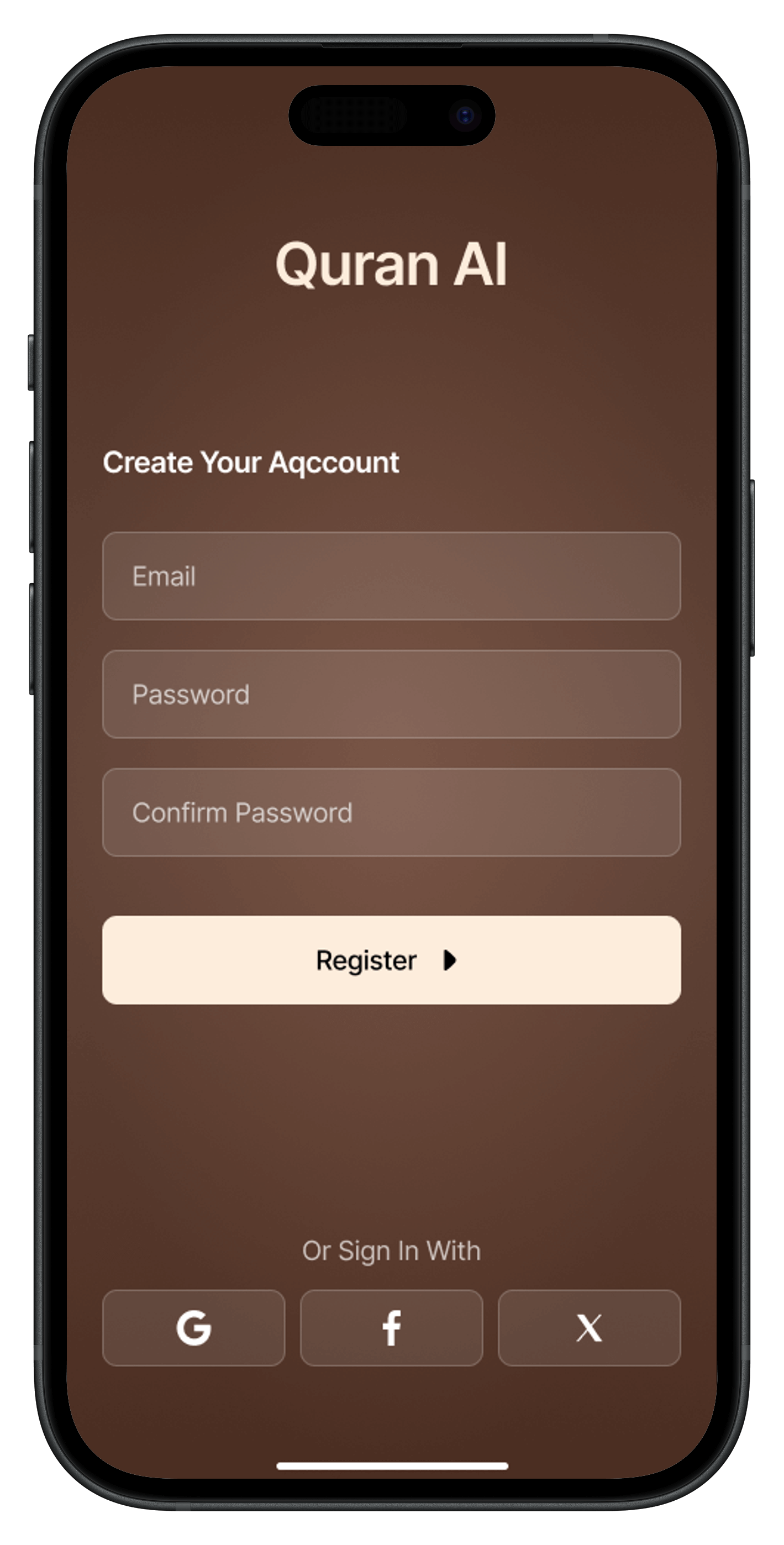
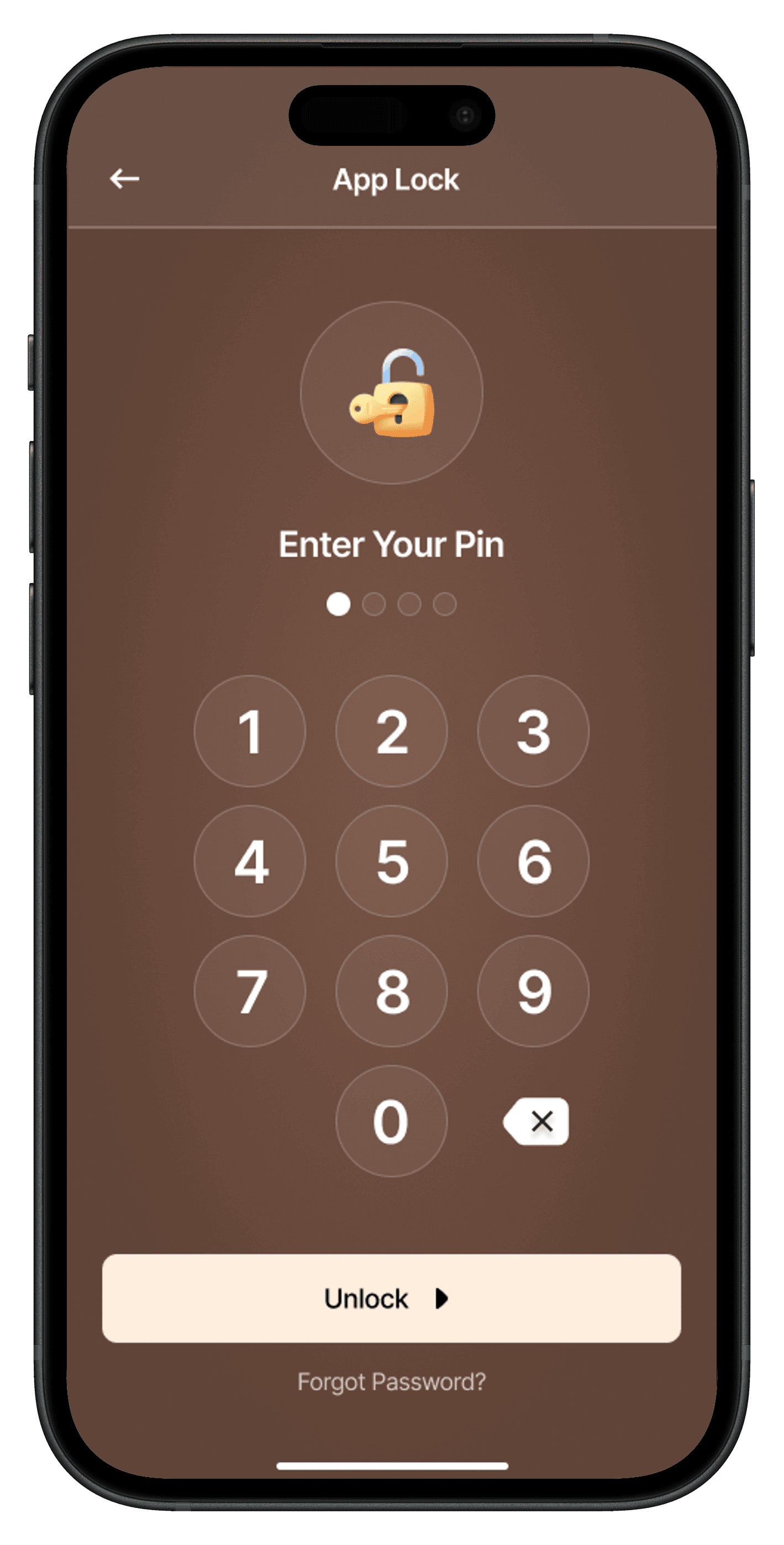
A selection of screens from the shipped app, covering the core user journeys.


Process
Six phases from design handoff to App Store submission, each with concrete deliverables and decisions.
Received Figma designs and mapped every screen to a component tree before writing a single line of code. Identified all native integration requirements (location, notifications, audio, billing) upfront so I could select the right Expo packages early and avoid painful rewrites mid-project.
Built the atomic component library (atoms, molecules, organisms, templates) before implementing any screens. Set up React Navigation with typed routes, Zustand store slices, and the SQLite database schema for offline Quran data.
Implemented the three anchor features: offline Quran reader with Arabic rendering and audio, real-time prayer times via adhan, and the streaming AI chat interface with Quranic citation rendering.
Built the daily habit loop with strict completion validation, the panic button emotional support flow with personalized AI responses, and the scheduled notification system for daily reminders.
Integrated RevenueCat for subscription management, built the paywall screens, implemented entitlement checks across gated features, and tested receipt validation flows end-to-end on both platforms.
Performance profiling with Flipper, addressed FlashList optimizations for the Quran reader, and handled platform-specific App Store / Play Store submission requirements including icon assets, privacy manifests, and metadata.
Reflection
Implementing SSE streaming for AI responses required extra engineering effort, but the UX improvement was significant — especially for emotionally charged use cases like the panic button. I'd make the same choice again.
The upfront investment in a proper component hierarchy meant that every new screen after the first three was dramatically faster to build. The structure also made design deviations easier to manage.
Showing Quranic verse references on every AI answer wasn't just a nice-to-have — it was essential for user trust in a sensitive domain. Feature decisions in faith-based apps carry more weight than typical consumer apps.
Add E2E tests (Detox) for the subscription flow and AI chat — highest-risk user journeys
Implement a proper error boundary strategy per feature module rather than a single global boundary
The AI response streaming hook could be abstracted into a generic package for reuse
Prayer time notification scheduling currently recalculates on app open — would move to a background task
Next step
Open to senior React / React Native roles and product delivery engagements.